Image Compressor
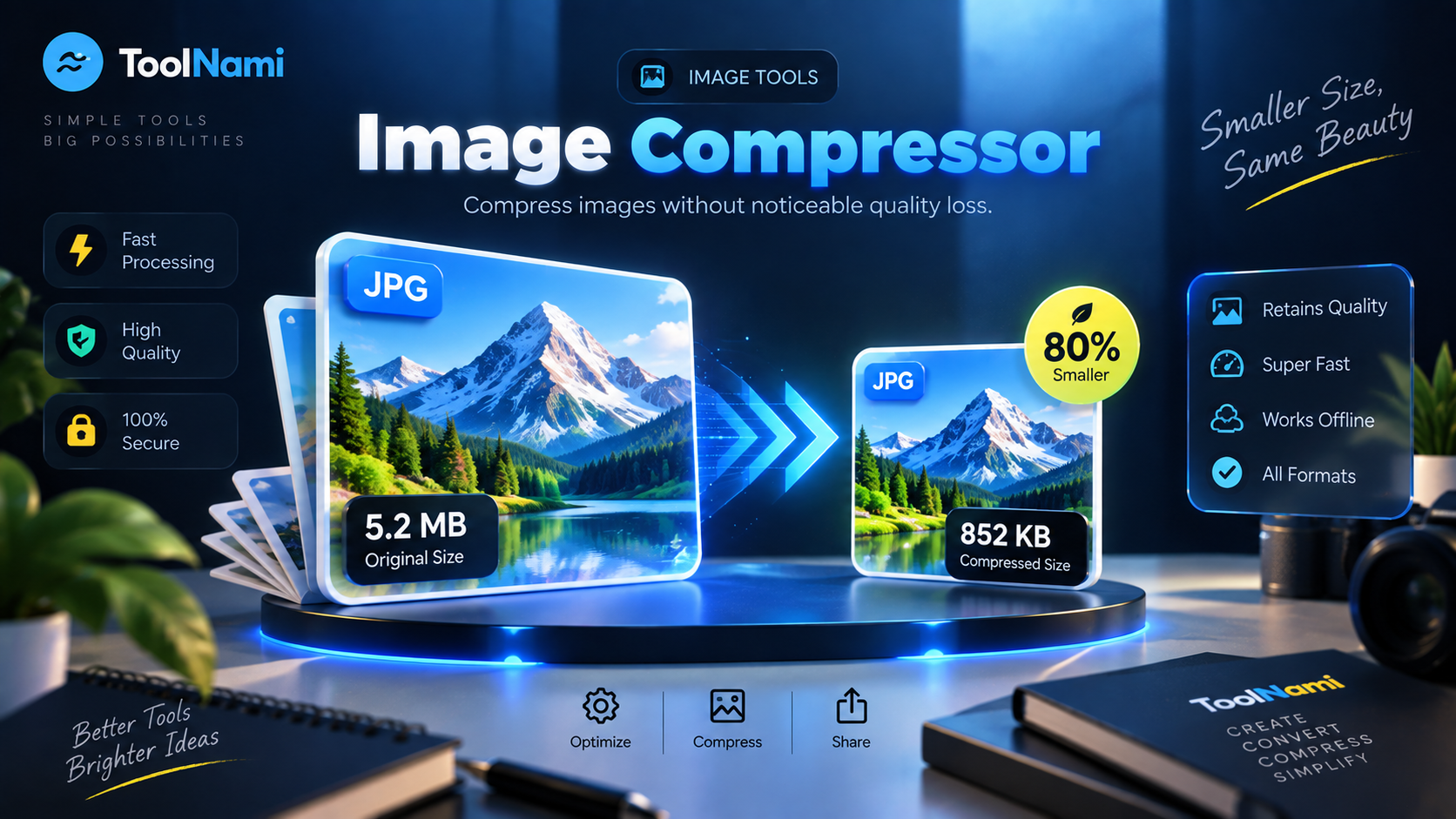
Make photos and graphics dramatically lighter while keeping them looking sharp.
Runs in your browser — your files never leave your device
Drop your image here
JPG, PNG or WebP. Compressed privately in your browser.
About this tool
The ToolNami Image Compressor re-encodes your picture at an optimised quality level and, when needed, gently reduces oversized dimensions. It uses your browser's own image pipeline in a background worker, so large photos compress quickly without freezing the page and without ever being uploaded.
How to use it
- 1Choose or drag in a JPG, PNG or WebP image.
- 2Pick how aggressively you want to compress it.
- 3Press Compress Image, review the preview, then download.
Why use Image Compressor?
Faster websites
Lighter images mean quicker page loads and better Core Web Vitals.
Visually lossless
Tuned quality settings keep detail where your eye notices it.
Private processing
Nothing is uploaded — compression happens on your device.
Metadata removed
Camera and GPS EXIF data is stripped during re-encoding.
Upload limits solved
Fit inside forms, marketplaces and email attachment caps.
Free and unlimited
No signup, no watermark, no daily quota.
Frequently asked questions
Compress images online for free, privately
Oversized images are the single biggest cause of slow web pages and rejected uploads. A modern phone photo can easily be 6–10 MB, when 300 KB would look identical on screen.
ToolNami's compressor re-encodes your image with an optimised quality curve and caps very large dimensions, so you get a file that is a fraction of the original size but still looks clean on retina displays.
It's ideal for product photos, blog images, portfolio galleries, CV attachments and marketplace listings. Everything runs client-side, so your personal photos are never sent to a server or stored anywhere.
Choose Light compression when fine texture matters, Balanced for everyday sharing, or Maximum when a strict upload limit is the priority. The result preview makes it easy to check the image before downloading. Re-encoding also removes hidden camera and location metadata, helping create a smaller, cleaner file for public use.
Keep working