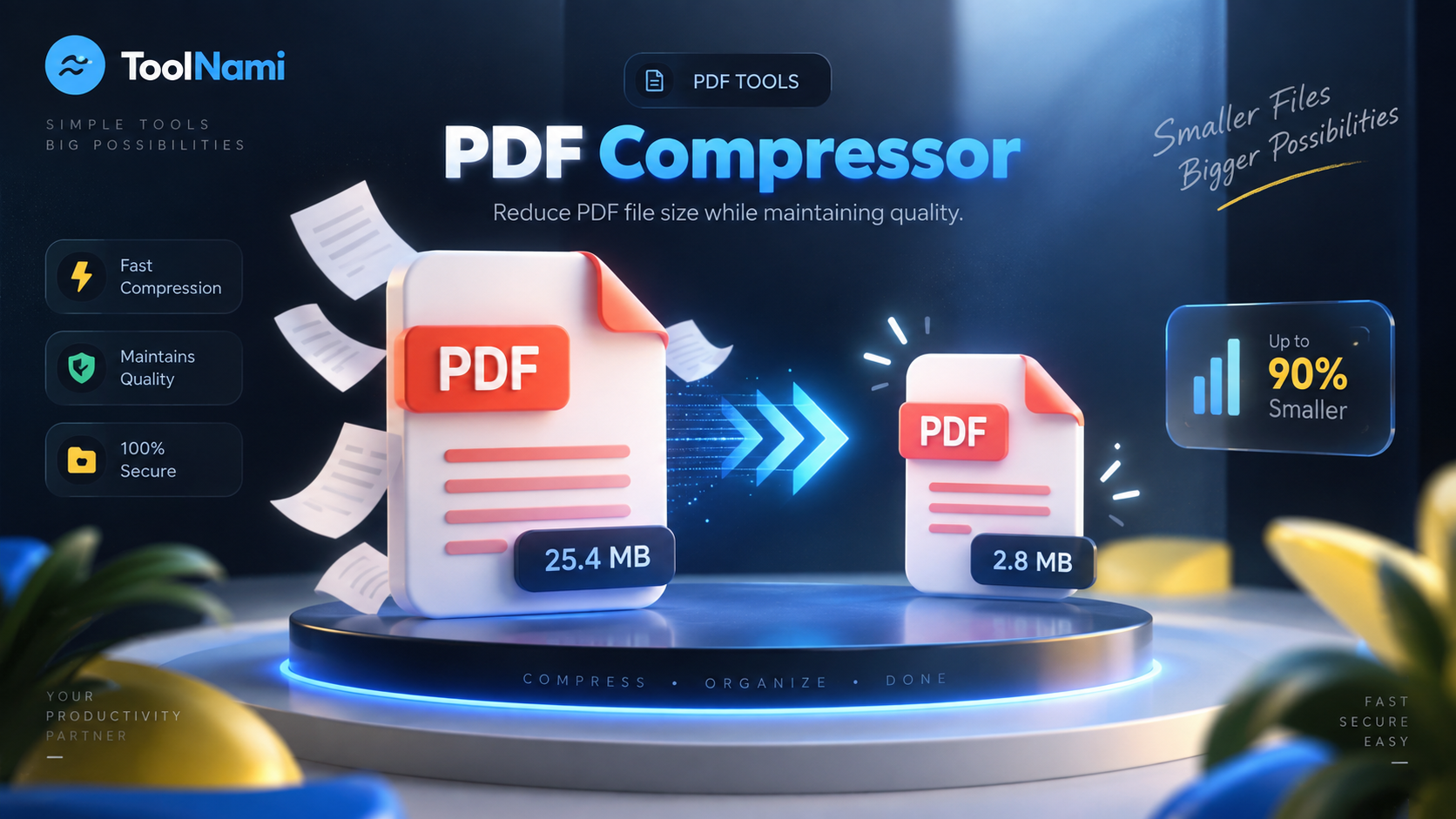
PDF Compressor
Shrink bulky PDFs so they're easy to email, upload and share — without wrecking the quality.
Runs in your browser — your files never leave your device
Drop your PDF here
PDF files only. Processed privately in your browser.
About this tool
The ToolNami PDF Compressor rebuilds your document with compressed object streams, strips leftover metadata and removes redundant internal structures. Text stays sharp and selectable because pages are never flattened into images. Everything runs locally in your browser, so even confidential contracts and invoices stay private.
How to use it
- 1Choose or drag in the PDF you want to shrink.
- 2Press Compress PDF and wait a moment while it is rebuilt.
- 3Check the new file size, then download your compressed PDF.
Why use PDF Compressor?
Quality preserved
Pages aren't rasterised, so text, links and vectors stay crisp.
Completely private
Your PDF is processed on your own device and never uploaded.
No signup, no cost
Unlimited compressions with no account or watermark.
Email friendly
Get under attachment limits for Gmail, Outlook and upload forms.
Works everywhere
Runs in any modern browser on desktop, tablet or phone.
Instant results
No queues or waiting rooms — compression starts immediately.
Frequently asked questions
Compress PDF files online, free and privately
Large PDFs are one of the most common everyday annoyances: attachments bounce back, upload forms reject them and cloud storage fills up. A good PDF compressor solves this by removing what the file doesn't need rather than degrading what you can see.
ToolNami's compressor focuses on structural optimisation — object stream compression, metadata cleanup and removal of redundant internal references. That means scanned reports, contracts, portfolios, invoices and slide exports usually get noticeably smaller while remaining perfectly readable.
Because the entire process runs client-side in your browser, nothing is uploaded, stored or logged. That makes it safe for sensitive documents such as legal paperwork, medical forms, bank statements and identity documents.
For the best result, start with the original exported PDF rather than a file that has already been repeatedly compressed. Structural compression is especially useful for office exports and PDFs containing duplicated resources. If a document is mostly high-resolution scanned photographs, the reduction may be smaller because preserving readable detail remains the priority.
Keep working