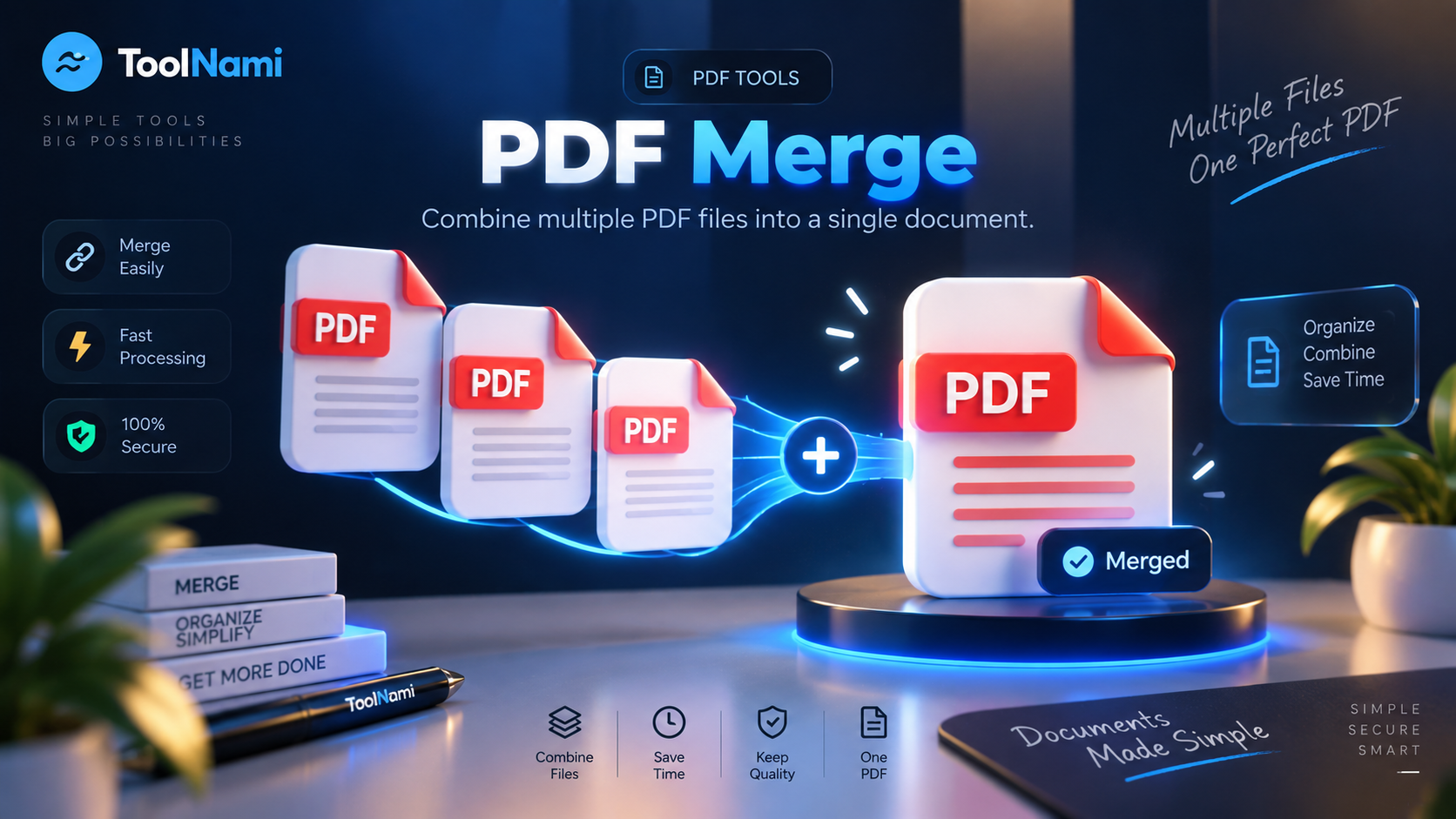
PDF Merge
Bring several PDFs together into one tidy document, in exactly the order you want.
Runs in your browser — your files never leave your device
Drop your PDFs here
Add two or more PDF files to combine them.
About this tool
ToolNami's PDF Merge copies every page from each file you add into a single new document, keeping page size, text and images intact. You control the order before merging, and the whole operation happens in your browser so nothing is uploaded.
How to use it
- 1Add two or more PDF files.
- 2Reorder them with the arrows until the sequence is right.
- 3Press Merge PDFs, then download the combined document.
Why use PDF Merge?
Full order control
Rearrange files before merging so chapters land in sequence.
Private by design
Files are merged locally and never uploaded to a server.
No page limits
Combine short forms or long reports without restrictions.
Keeps quality
Pages are copied, not re-rendered, so nothing gets blurry.
Free forever
No account, no watermark, no daily cap.
Mobile ready
Works just as well on a phone as on a laptop.
Frequently asked questions
Merge PDF files online without uploading them
Combining PDFs is one of those tasks that shows up constantly: signed contract pages, scanned receipts, coursework submissions, tender documents and multi-part reports all need to arrive as one file.
ToolNami's merge tool copies pages between documents using the open-source pdf-lib library, preserving each page's original dimensions and content. You decide the order, so a cover letter can lead and appendices can follow.
Because the merge runs entirely in your browser, sensitive paperwork stays on your device. There is nothing to delete afterwards and no upload history to worry about.
Before merging, use the order controls to build the exact reading sequence and remove any accidental additions. The finished file is ideal for application packs, client deliverables, monthly records and archived paperwork. Since pages are copied rather than photographed again, typography and diagrams remain as clear as they were in each source document.
Keep working